

Invoices & payments
Invoice and record payment
Convert a quotation to an invoice, then log payments and track what's due.
5 min readBeginner
What you'll learn
- One-click convert from quote
- Partial payments supported
- Outstanding updates automatically
1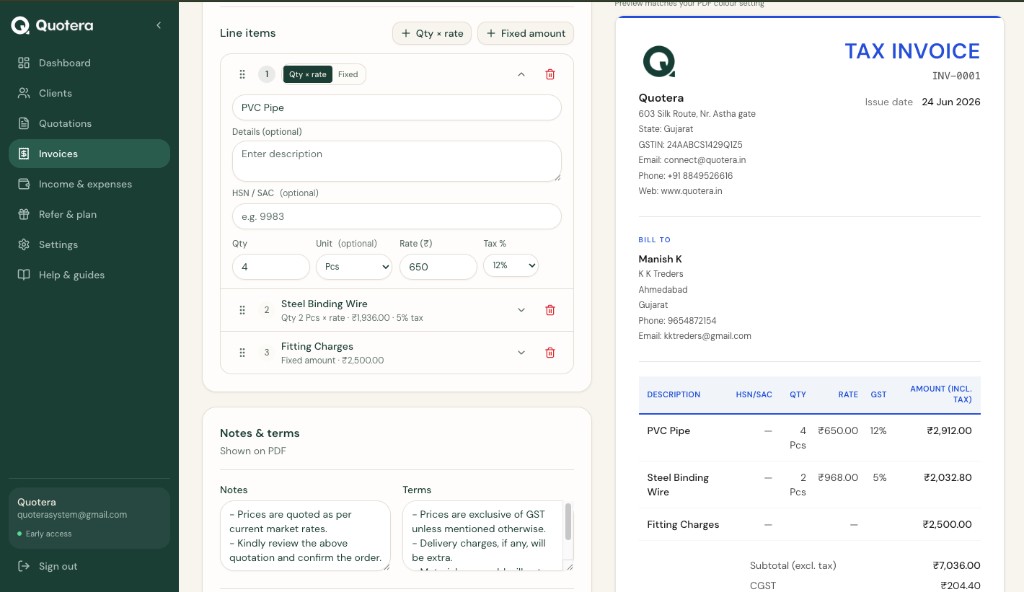
Convert quotation to invoice button
Convert to invoice
Open the quotation and click Convert to invoice. Client, items and tax copy over automatically.
2
Review and share
Check totals, then download or share the invoice PDF the same way as quotations.
3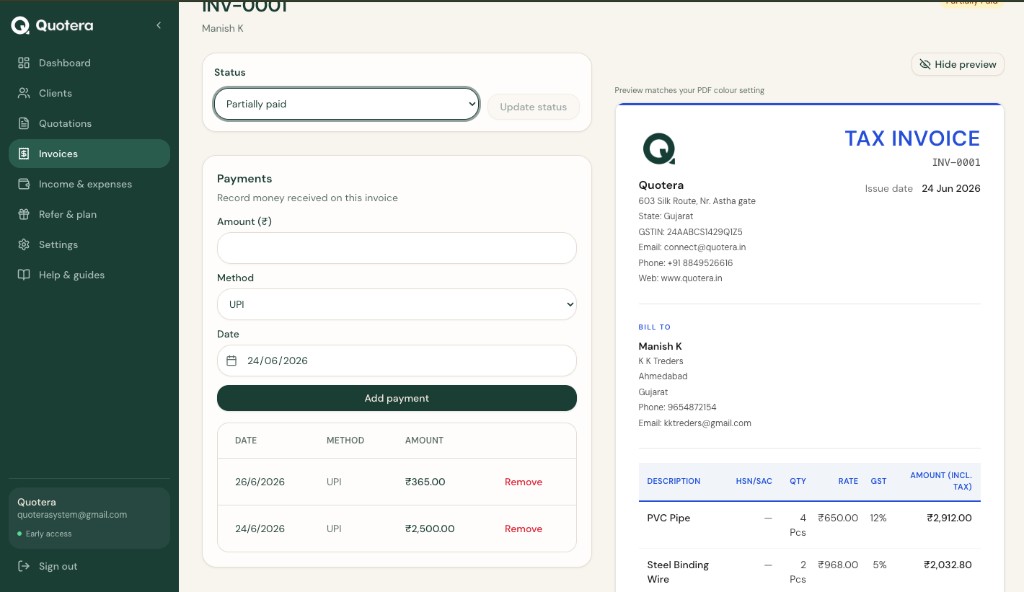
Record payment on an invoice
Record payment
On the invoice page, add each payment:
- Amount received
- Payment date
- Mode (UPI, bank, cash…)
Tip: Partial and advance payments are supported. Balance shows what's left.
Related guides
Common questions
Invoice without quotation?
Yes. Invoices → New invoice.